
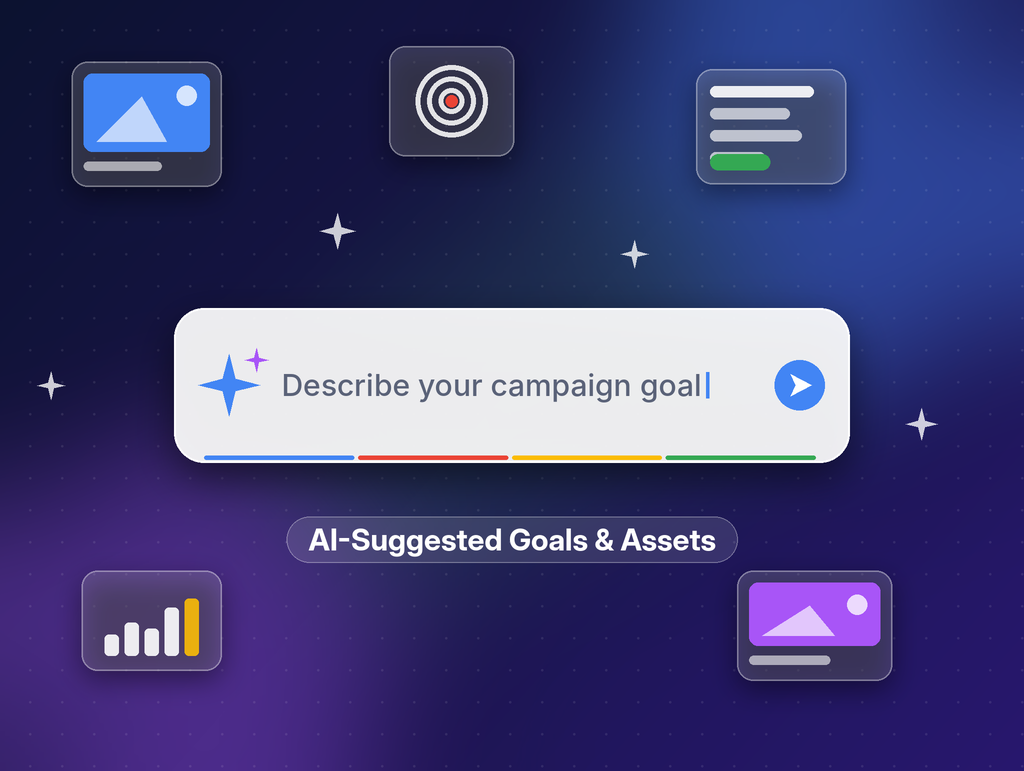
Google Ads Tests AI-Suggested Campaign Goals & Assets
Google is testing a new Google Ads workflow where advertisers describe their campaign goal in plain language and Google’s AI suggests campaign goals and ad assets. Google’s Ads Liaison, Ginny Marvin, has confirmed it is an experiment, and advertisers can still choose to build campaigns manually.
What Is Google Testing in Google Ads?
Some advertisers are now seeing a large text box when they start a new campaign in Google Ads. Instead of picking options step by step, you type what you want to achieve, and Google’s AI responds with suggested goals and assets for the campaign.
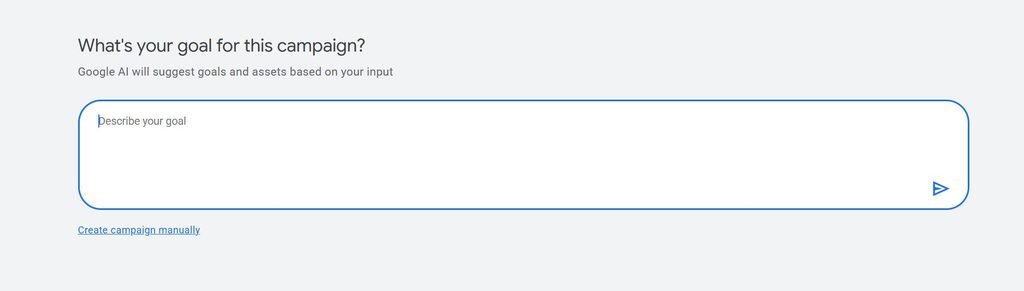
If you prefer the traditional route, a “Create campaign manually” link lets you skip the AI prompt and set everything up yourself.
Has Google Confirmed This AI Feature?
Yes. Ginny Marvin, Google’s Ads Liaison, confirmed the test on X, saying: “this is an experiment. We welcome advertisers’ feedback around how and where this type of workflow would be helpful.”
That means the feature is not rolled out to everyone, and its design could change based on advertiser feedback.
How Does the AI Campaign Workflow Work?
- Describe your goal – Enter what you want the campaign to achieve in the text box.
- Review AI suggestions – Google proposes campaign goals and assets based on your description.
- Or go manual – Click “Create campaign manually” to use the standard setup instead.
What Does This Mean for Advertisers?
This test is part of Google’s wider push to build AI into nearly every part of its advertising platform. For advertisers, it could make campaign setup faster, especially for small businesses or teams without a dedicated PPC specialist.
At Digital Advertisement Agency, we recommend treating AI suggestions as a starting point, not a final answer:
- Check goal alignment – Make sure suggested goals match real business outcomes like leads, sales or calls.
- Review every asset – Confirm headlines, descriptions and images reflect your brand voice and offer.
- Keep control of budgets and targeting – Automated suggestions should not replace strategic decisions.
- Share feedback – Google has asked advertisers for input, so this is a chance to shape the tool.
Where Are Advertisers Discussing This?
The test was first spotted and discussed by the PPC community on X.
Frequently Asked Questions
Is Google Ads using AI to suggest campaign goals?
Yes, in a limited test. Advertisers describe their goal, and AI suggests campaign goals and assets.
Can I still create Google Ads campaigns manually?
Yes. A “Create campaign manually” option appears alongside the AI prompt.
Is this feature available to all advertisers?
No. Google has confirmed it is currently an experiment, so only some accounts may see it.
Should I rely on AI-generated assets?
Use them as a draft. Always review and refine AI-generated goals and assets before launching a campaign.
Stay Informed
Talk to a Our Expert for Google Ads Management at: +91 8010 577 577
Email: info@digitaladvertisementagency.com
More information: www.digitaladvertisementagency.com
Related reading: Google Ads Replaces Support Form With AI Agent | Google Introduces Campaign Total Budget Feature for PMax | Google Ads Alert: Important Phone Number Policy Change